
Switch languages
with zero delay
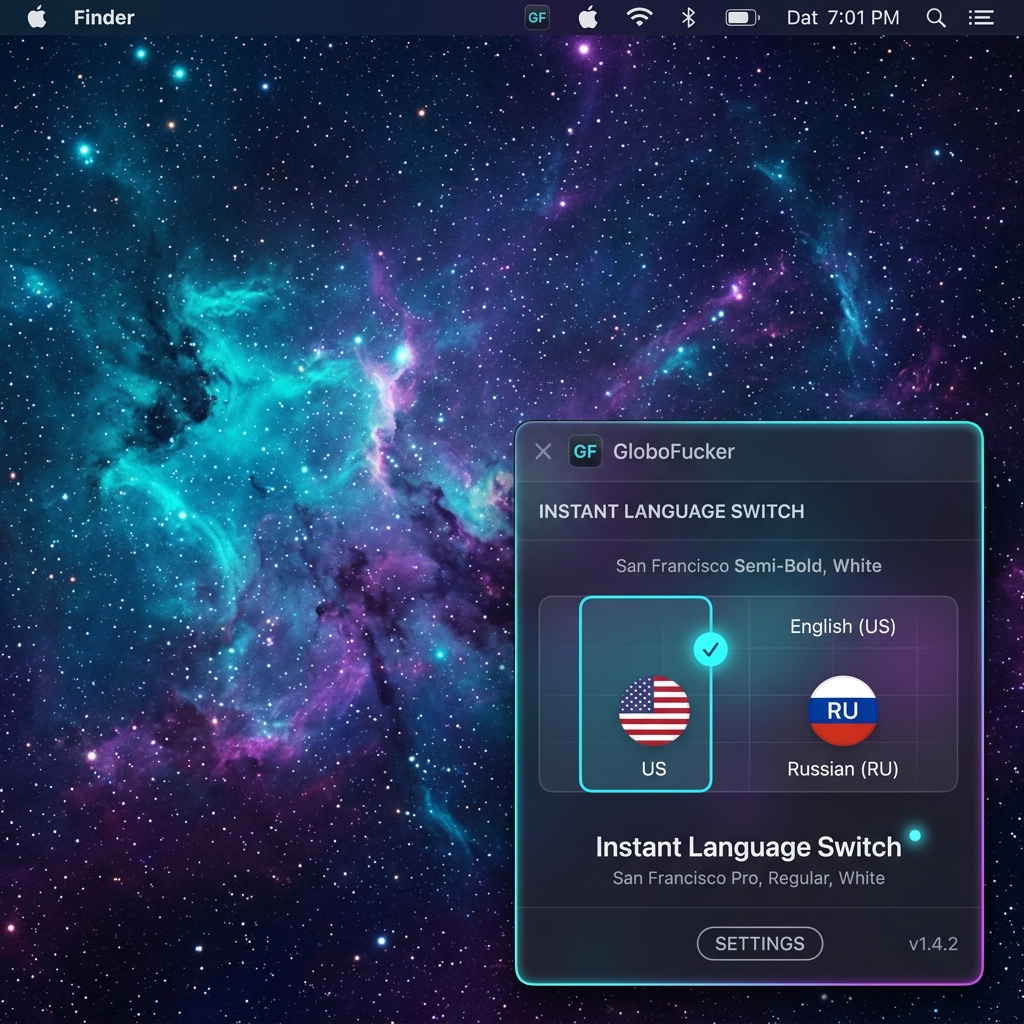
The ultimate native utility for macOS that eliminates the annoying delay when using the Globe (Fn) key. Seamless typing, instant transition.
brew install --cask iampingvi/apps/globofucker
Engineered for absolute speed
No background tracking, no heavy runtime, no memory leaks. Just instant, flawless keyboard layout switching on your MacBook.
Instant Response Engine
Intercepts the Globe (Fn) key event at the system core level, executing layout switches within microseconds and bypassing standard macOS delay completely.
Carbon Events API Hook
Uses low-level, high-efficiency event taps. It interacts seamlessly with Text Input Source Services, ensuring safe, native, and reliable system switching.
Apple Silicon Exclusive
Designed and compiled purely for ARM64 architecture MacBooks. Since Intel MacBooks lack physical Globe keys, we do not compile bloated x86 binaries.
41 System Languages
Supports absolutely all macOS native locales. Instantly adapts to your custom operating system configuration with perfect typography and alignment.
Invisible Menu Bar App
Runs quietly in your menu bar. Choose to hide it completely from your Dock for zero desktop clutter. Auto-start on boot is supported right out of the box.
Zero Tracking, 100% Privacy
No telemetry, no background network queries, and no databases. GloboFucker runs entirely locally on your machine and remains completely free.
How to Run on macOS?
Since GloboFucker is a free, unsigned independent utility, macOS Gatekeeper may show an "unsigned developer" warning during your first launch. Here are two secure, easy ways to run it:
Terminal Command (Recommended)
Strip the macOS quarantine attribute in one second to permanently authorize GloboFucker:
xattr -cr /Applications/GloboFucker.app
GloboFucker.app into your Applications folder, copy the command above, paste it into Terminal, and press Enter. Done!
Finder Graphic Bypass
Open the application using the native macOS graphic user interface without running any command lines:
- 1 Open your Applications folder in Finder.
-
2
Hold the
Controlkey (or right-click) and click the GloboFucker.app icon. - 3 Select Open from the context menu.
- 4 Click Open in the confirmation dialog. macOS will remember your decision forever!